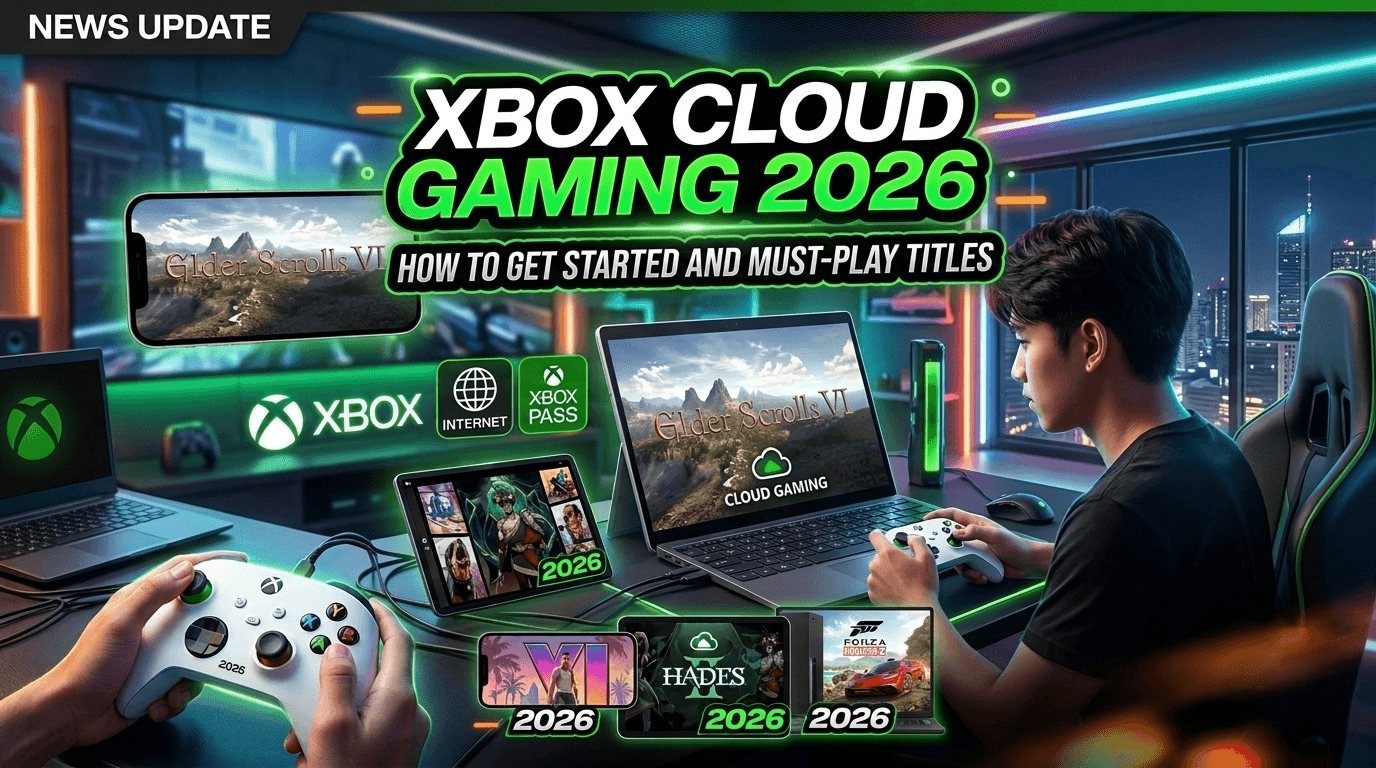
By 2026, Xbox Cloud Gaming has evolved into a go-to solution for modern gamers seeking true flexibility. With an Xbox Game Pass Ultimate subscription and a stable internet connection, you can instantly stream AAA console titles to your smartphone, tablet, or PC—without the need for massive downloads or high-end hardware. You can find our complete guide on setting this up at Xbox Cloud Gaming 2026.
The Power Behind Cloud Streaming
Xbox Cloud Gaming leverages Microsoft’s high-performance Azure servers to handle all graphic processing and game commands remotely. By streaming audio and video in real-time, it grants you access to hundreds of games regardless of your device's storage or specs. If you are wondering how this fits into the overall value of the service, check out our analysis: Is Xbox Game Pass Worth It in 2026?.
The fluidity of your experience depends heavily on your internet speed. By 2026, Microsoft has significantly optimized its infrastructure, drastically reducing latency to an impressive level. Even in fast-paced action games that require split-second reflexes, the gameplay feels remarkably close to playing on a dedicated console.
Getting Started: Unleash Your Gaming Freedom
Getting up and running is seamless. All you need is an Xbox Game Pass Ultimate subscription and a compatible device—a smartphone, tablet, or a web browser on your computer. Simply log in via the Xbox app or cloudgaming.com, connect a Bluetooth-supported controller, and you are ready to dive into sprawling RPG worlds or the intense battlefields of Halo, all from the palm of your hand. For those switching between devices and console, ensure your hardware is peak-performing with our Xbox Series X Best Settings 2026 guide.
If you encounter occasional stuttering, ensure you are connected to a stable 5GHz or 6GHz Wi-Fi network. Additionally, closing unnecessary background apps while streaming can free up your device’s resources, ensuring a smoother, more consistent visual experience when gaming on the go.
Top Games to Experience via the Cloud
While nearly every title in the Game Pass library supports streaming, certain genres offer an exceptional cloud experience. You can find our top-rated recommendations in the Best Game Pass Games 2026 list.
Action RPGs: Explore expansive, blockbuster worlds and level up your character from anywhere. This includes some of the most popular Xbox Exclusive titles available today.
Strategy and Turn-Based Games: These titles are perfect for touchscreens and tablets, as they do not require rapid, precise inputs.
High-Quality Indie Games: With refined designs and optimized performance, these titles often deliver excellent frame rates across any network connection. For more tips on finding the right genre, explore our Game Pass Guide.
Want to master your Xbox experience or stay ahead of the curve for the coming months? Dive deeper into our collection Check out the best titles you can play right now in Best Xbox Exclusives 2026 Must Play Games Ranked.