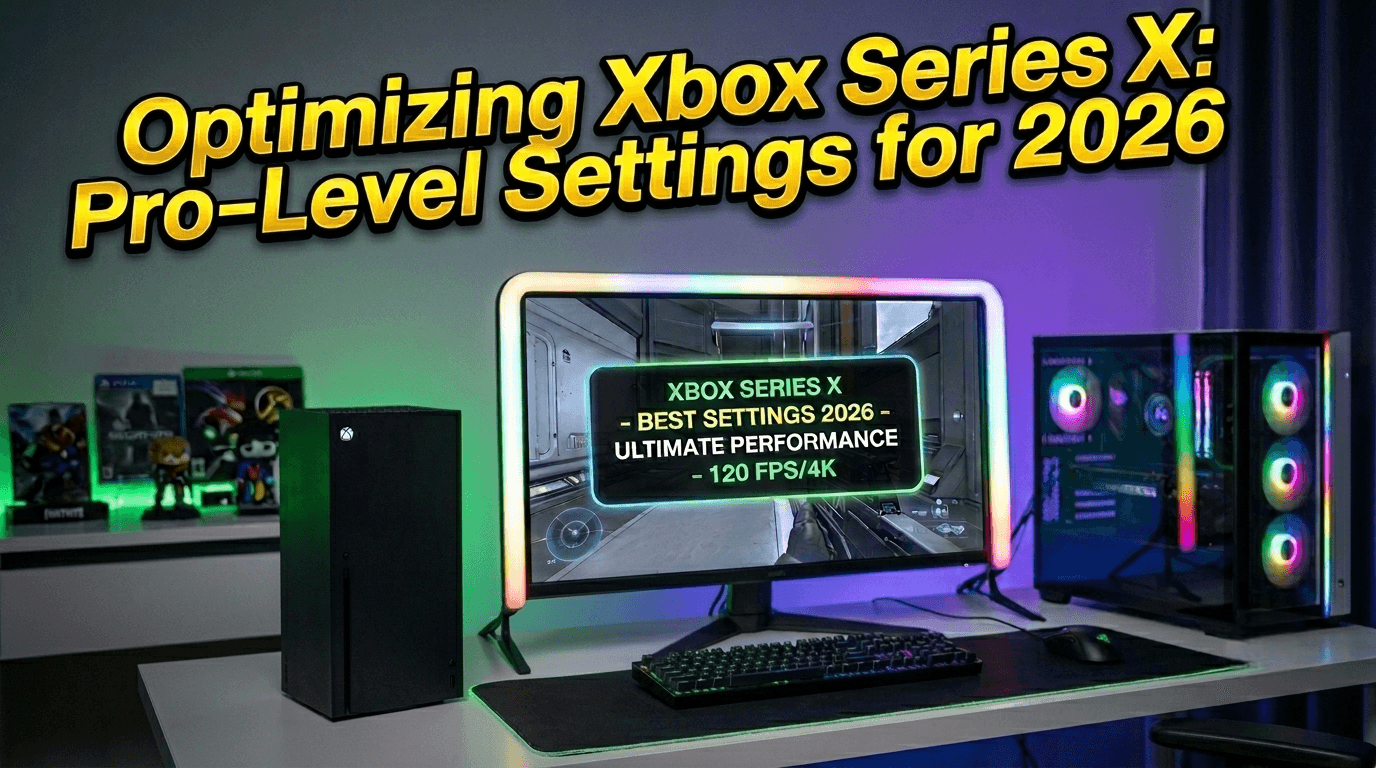
Properly configuring your Xbox Series X is essential to unlocking the full potential of your hardware. Whether you are aiming for crisp 4K resolution, high-refresh-rate 120Hz gameplay, or immersive spatial audio, these settings will ensure your AAA experience is flawless, saving you from the hassle of constant, redundant tweaks. For a broader range of configuration tips, check out our Xbox Settings guide.
Elevate Visual Clarity with Precision Resolution
The first step toward stunning visuals is ensuring your resolution matches your display. Setting your console to complement your TV or monitor eliminates issues like motion blur and frame rate drops. If you want to see these visual features in action, browse our top picks in Best Xbox Exclusives 2026.
For those with the latest 4K displays, navigate to "Video Fidelity & Overscan" to verify that your console is outputting at maximum resolution. If you are using a high-speed monitor, prioritize "Performance Mode" to push frame rates. And if you are looking to jump into new worlds without waiting for massive downloads, remember that Xbox Cloud Gaming 2026 is available to keep your gaming session moving.
Enhance Fluidity with High-Performance Display Modes
In 2026, fast response times are the cornerstone of gaming. If your display supports 120Hz, enabling this mode is critical. You can apply these high-performance settings to your entire Xbox Game Pass library to get the most out of your subscription.
Equally important is Variable Refresh Rate (VRR). This feature automatically synchronizes your display’s refresh rate with your console’s output. Even during intense action sequences where frame rates might fluctuate, VRR keeps the experience seamless, giving you a competitive edge.
Tune Audio for Immersive, Battle-Ready Sound
Superior audio is vital for pinpointing enemy movements. The Xbox Series X sound settings for 2026 offer advanced "Spatial Sound" options that significantly expand the depth and breadth of your audio stage. This is particularly helpful when playing the immersive titles featured in our Best Game Pass Games 2026 list.
For standard headset users, we recommend enabling "Windows Sonic for Headphones." For a premium experience, "Dolby Atmos" remains the gold standard. Properly configured, these settings ensure every footstep and gunshot is positioned accurately. If you are still weighing the value of your Xbox subscription against the hardware investment, read our analysis: Is Xbox Game Pass Worth It in 2026?.