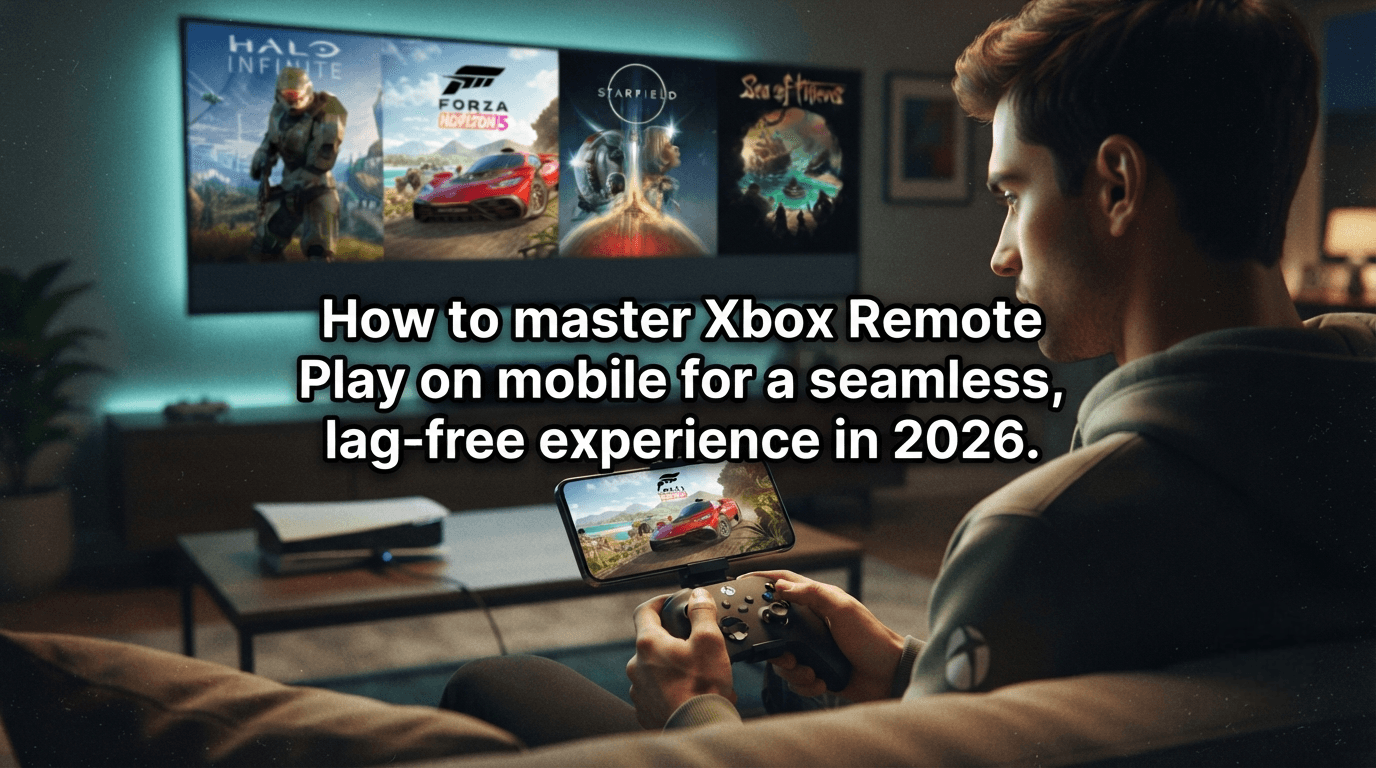
Achieving a seamless Xbox Remote Play experience in 2026 is well within reach. By optimizing your home network and prioritizing a 5GHz connection, you can transform your mobile device into a portable console, streaming games from your machine to anywhere in your home with minimal latency—without the need for enterprise-grade internet speeds.
The Foundation of Seamless Streaming
You can enjoy a gaming experience on par with your television by focusing on Wi-Fi stability rather than just raw download speeds. Hardwiring your Xbox Series X directly to your router via an Ethernet cable is essential. Additionally, ensure your mobile device is connected exclusively to a 5GHz or 6GHz Wi-Fi band to minimize interference.
Hardwire the Console: Using an Ethernet cable eliminates the signal fluctuations common with Wi-Fi, ensuring a steady stream of visual data.
Use 5GHz Wi-Fi or Higher: The 2.4GHz band is easily congested by household appliances. Switching to a higher frequency band significantly improves data transmission between your console and mobile device.
Optimize Router Channels: Select the least crowded channel in your area to prevent signal overlap and reduce stuttering.
For a perfect connection, be sure to consult our guide on the Best Xbox Series X Settings for 2026 to ensure your hardware is configured for optimal performance and efficiency during streaming.
Reducing Latency Through App and Console Settings
Fine-tuning the Xbox app and your console’s power state are critical steps to ensure quick and consistent connectivity. Configure your console to "Sleep" mode to wake it remotely, allowing you to jump into your games instantly without having to physically access the hardware.
Enable Sleep (Standby) Mode: Access your console’s power settings and enable Sleep mode so the machine is always ready to stream on demand.
Keep the Xbox App Updated: The 2026 version features refined image compression algorithms that significantly reduce the strain on your network.
Clear Background Apps: Freeing up memory on your mobile device allows the video decoder to function at peak efficiency, preventing lag caused by resource contention.
If you are curious about how this compares to cloud-based alternatives, check out our guide on Xbox Cloud Gaming 2026 for more options when playing away from home.
Troubleshooting Network Instability
Even with an optimized setup, occasional signal drops can happen. You can mitigate these issues with a few simple adjustments to your hardware and gaming habits.
Refresh Controller Bluetooth Pairing: If you experience input lag, try unpairing and repairing your controller to your mobile device to refresh the signal handshake.
Manage Network Traffic: When streaming, avoid large downloads or 4K video streaming on other devices in the home to reserve maximum bandwidth for your game stream.
If you are an avid Gamerscore hunter concerned that Remote Play might hinder your progress, our Halo Infinite Achievement Guide provides strategies to help you manage your time and play sessions effectively, even when gaming on a mobile screen.
Remote Play offers an unprecedented level of freedom, allowing you to tailor your gaming experience to your lifestyle. Once these techniques are applied, you will find that mobile streaming is smoother than ever. For those who use this feature regularly, have you encountered significant issues with image artifacting or heavy input delay, and how did you resolve them?
Ready to take your gaming to the next level? Explore these essential resources to ensure your setup is perfect Xbox Cloud Gaming 2026 Your complete guide to gaming anywhere.